Secure storage
Keep employee files attached to the right context.

Documents & signatures
Give documents a place in the employee workflow, with requirements and signature status that are visible without inbox searches.
The operational problem
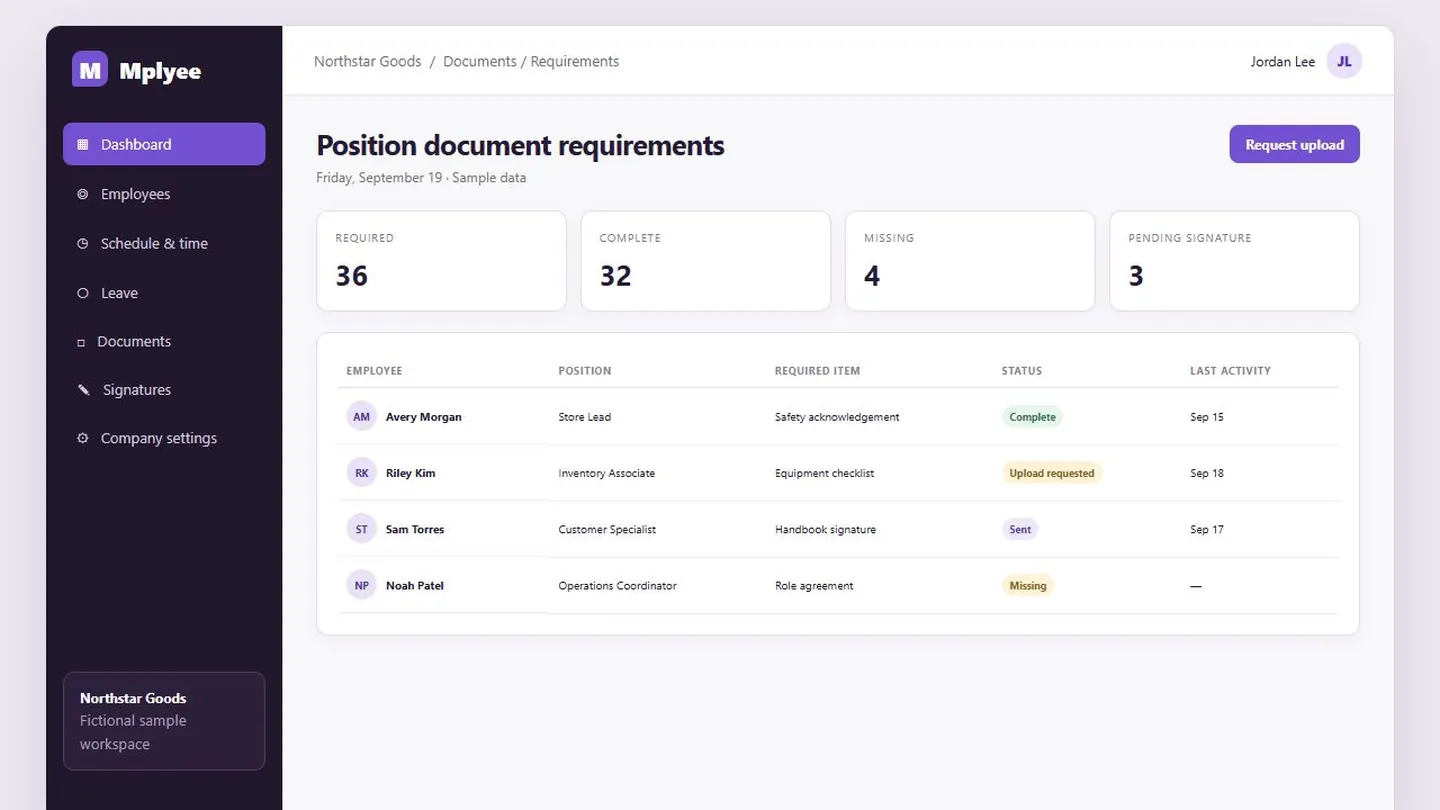
A shared folder can store documents, but it does not show who still owes what or which signature is pending. Mplyee connects document requirements and completion to the employee record.
How it works
Assign document requirements based on position.
Use employee access and upload links to receive the right files.
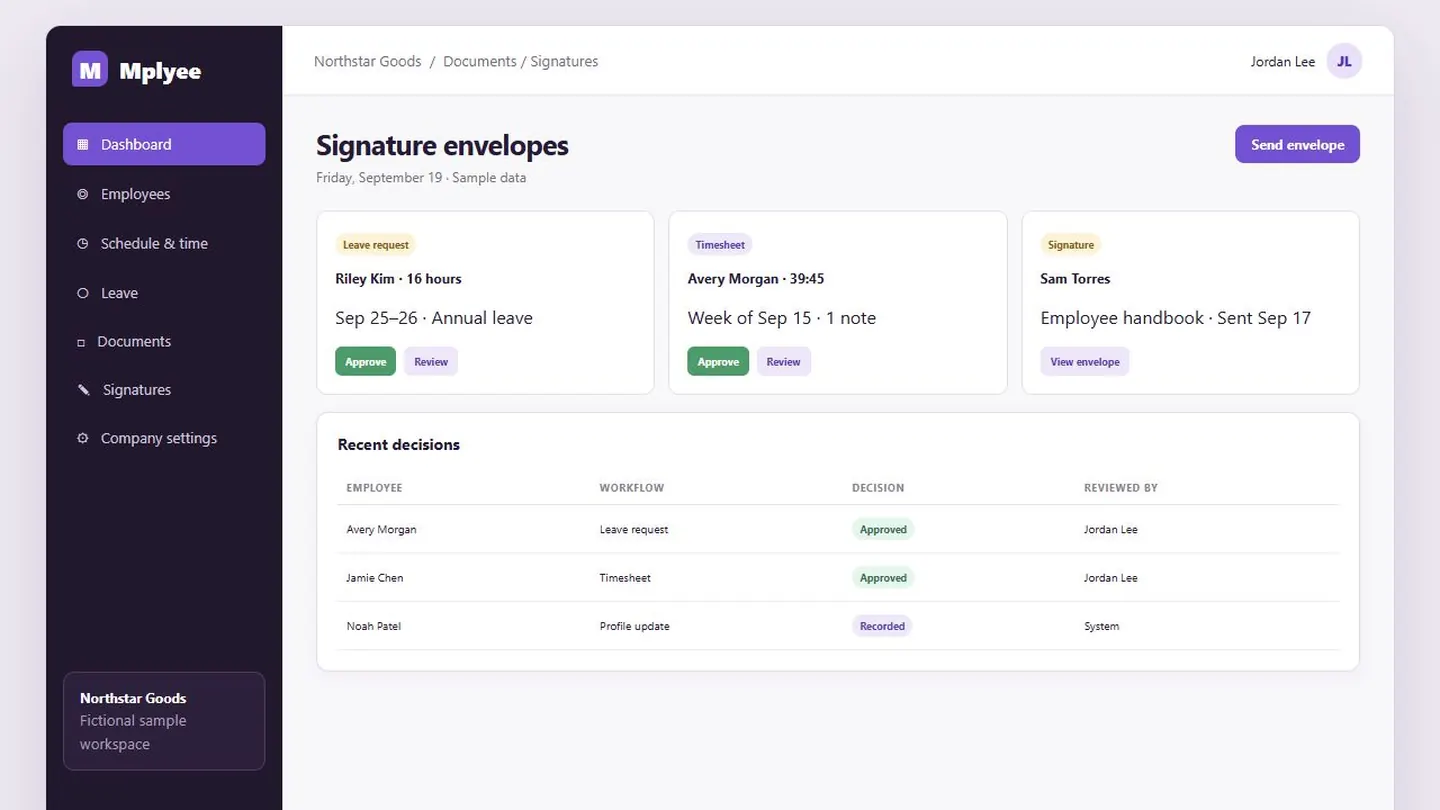
Review checklists and follow signature envelopes through completion.
The product in practice
HR teams can review completion by position, send secure upload paths, and focus attention on missing or pending items.
Capabilities
Keep employee files attached to the right context.
Collect a file without a long email exchange.
Apply the right checklist to the right role.
See missing and completed requirements.
Track sent and completed signing work.
Let employees view the documents available to them.
Questions about Documents & signatures
Yes. Document requirements can be associated with positions so employees receive the checklist relevant to their work.
Yes. Employee self-service includes access to the documents made available to each employee.
A clearer way to run the work
Start free for up to 25 employee records.
Start free